
Twitter is one of the biggest names in the Social Networking Arena and it has made a name for itself, despite being with the likes of Facebook, it already has a place of its own. It started as a micro blogging site, turned in to a chatter box for various people. Today, twitter has more uses than one.
We know how we can organize a public group chat, yes, with hashtags, so generally if someone has to speak to about say, technology, they use the hashtag #technology, A third-party website gives you the ability to direct message a person, that is, a Private One-to-One Chat provided both the users are following each Other.
Did you know you can have a PRIVATE Group Chat on Twitter, yes, there is something opposite to Hashtags, which a very few users know about. Here is an easy-to-use free application called !blether that gives you the power to initiate private group chat on Twitter. Simply connect your Twitter account with !blether through OAuth authentication and get started instantly.
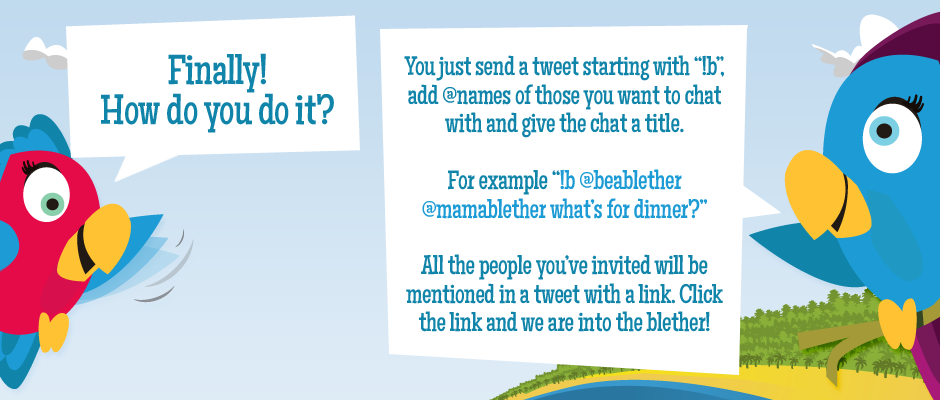
Starting a private group chat session is darn simple. Send a tweet starting with !b, then add all twitter handles you wish to be included in the chat. Finally, complete the tweet with a phrase or word giving the title/name of the chat session. For example.
!b @adam @eve @jack @yellowflower House Warming Party
All the users in the chat will receive the tweet with a unique web-based private chat session link. Clicking that link will bring them into the private chat session and each tweet within that session will be saved in participants’ Twitter account.